
Enhance a spreadsheet of products without copy-pasting a thing
Connect a Google Sheet, map your columns once, and rewrite descriptions, clean up images, and generate SEO for every row — with the results written straight back into the same sheet.
Your spreadsheet, enhanced in place
Work with the product data you already keep in Sheets, and let the results land in the same file you share with your team.
Connect any sheet
Pick the tab, point us at it
Authorize your Google account and choose the sheet and tab that holds your products. No reformatting, no template to match.
Map your columns
Title, description, SKU, and more
Tell us which column is the title, the description, the SKU. The mapping sticks, so the next run is one click.
Enhance every row
Hundreds of products at once
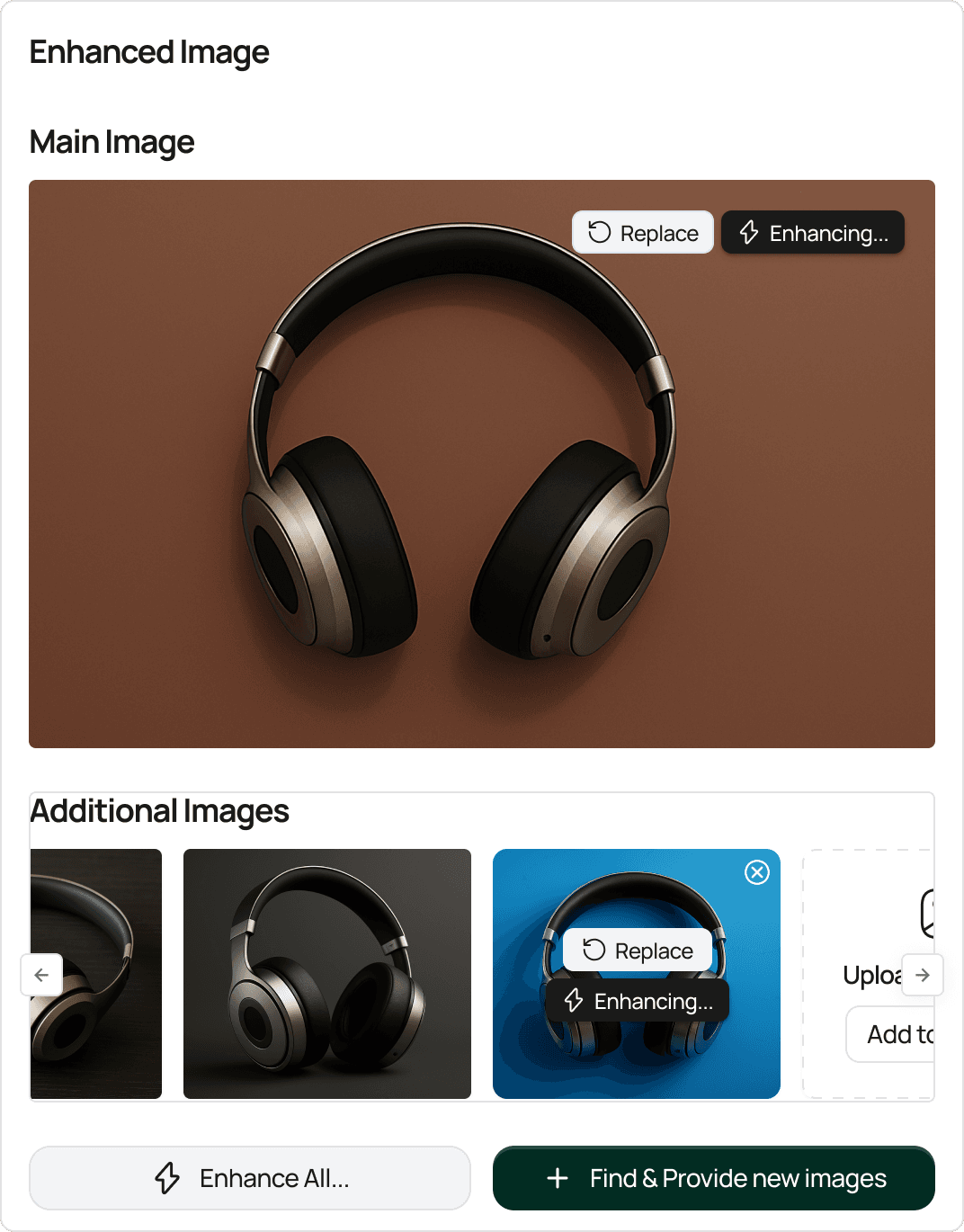
Run descriptions, image cleanup, and SEO across all your rows in a single batch instead of cell by cell.
Results written back
Into the same sheet
Enhanced content lands in new columns alongside your originals, so you can compare, sort, and keep what you want — no copy-paste.
Connect Google Sheets in minutes
Authorize your account, map your columns once, and the whole sheet is ready to enhance.
- 1
Connect your Google account
Authorize StartDescribe to access your Google Sheets. You grant access through Google, with no password shared.
- 2
Pick the sheet and tab
Choose the spreadsheet and the specific tab that holds your products.
- 3
Map your columns
Match your columns to fields like title, description, and SKU so we know what each one means.
- 4
Run the enhancement
Choose what to improve — descriptions, images, SEO — and run the batch across every mapped row.
- 5
Read the results back in the sheet
Enhanced content is written into new columns in the same sheet, ready to review and keep.
Made for the way you already work
Sheets is where a lot of catalogs really live — this meets you there.
Your sheet stays the source of truth
We read your rows and write results back into the same file — nothing gets exported into a separate system.
Originals stay intact
Enhanced text goes into new columns next to your source data, so you never lose the original.
Great for supplier exports
Drop a supplier CSV into a sheet, map the columns, and enhance the whole file in one pass.
A clean handoff to your store
Once the sheet looks right, export or push the results on to Shopify, WooCommerce, or BigCommerce.
Works With What You Already Use
Seamlessly integrate with your existing tools and workflows

Shopify
Pull & sync your entire catalog automatically

WooCommerce
Pull & sync your entire catalog automatically

BigCommerce
Pull & sync your entire catalog automatically

Google Sheet
Pull & sync your entire catalog automatically

Zapier
Pull & sync your entire catalog automatically

Make
Pull & sync your entire catalog automatically

Custom API
Pull & sync your entire catalog automatically
Google Sheets integration, answered
Everything you need to know. Can't find your answer? Reach out to our friendly team.
Ready to enhance your products today?
Join thousands of successful businesses who are scaling their e-commerce operations with AI-powered product enhancement. Start your free trial today.
- Connected
Last sync: 1 hour ago
- Connected
Last sync: 2 day ago
- Disconnected
Last sync: 3 day ago
- Connected
Last sync: real-Time
Transform your product listings with AI-powered enhancement. Create compelling, SEO-optimized content that converts visitors into customers.
"MAXMEL Tech" LTD.
167-169 Great Portland Street, 5th Floor
London, W1W 5PF, United Kingdom
Sitemap© 2026 StartDescribe. All rights reserved.