
Enhance new products automatically, no clicking required
Wire StartDescribe into Zapier so a new product in your store kicks off enhancement on its own — map the fields once and every new item gets clean descriptions and SEO without you lifting a finger.
Enhancement that runs on autopilot
Connect StartDescribe to thousands of apps through Zapier and let new products get improved the moment they appear.
Trigger on new products
It runs itself
Start a Zap when a product is added to your store or another connected app, and StartDescribe enhances it without anyone opening a dashboard.
Connect your whole stack
Thousands of apps
Zapier links StartDescribe to the tools you already use, so a product can flow from a supplier feed through enhancement and into your store.
Map the fields you want
You decide what gets sent
Choose exactly which product fields go into enhancement and where the results come back, then reuse that mapping for every run.
Send results anywhere
Store, sheet, or app
Route the enhanced content back to your store, into a spreadsheet, or on to the next step in your workflow.
Connect Zapier in minutes
Build one Zap, map your fields, and new products get enhanced automatically from then on.
- 1
Create a new Zap
In Zapier, start a Zap. This is the automation that will connect your store to StartDescribe.
- 2
Pick a trigger
Choose what kicks it off — for example, a new product in your store or a new row in a sheet.
- 3
Add the StartDescribe action
Add StartDescribe as the action step so each triggered product is sent in for enhancement.
- 4
Map the product fields
Match the fields from your trigger to the right inputs, so the title, description, and SKU land where they belong.
- 5
Test and turn it on
Run a test on a real product to confirm the output, then switch the Zap on for automatic enhancement.
Automation that respects your store
A Zap can run on its own, but you still decide the rules it follows.
Your store stays the source of truth
Zaps read from and write back to your catalog — automation moves the data, it does not replace where it lives.
No-code setup
Build the workflow in the Zapier editor with dropdowns. No scripts to write or maintain.
Test before you turn it on
Zapier lets you run a test on a real product so you can check the output before anything goes live.
Multi-step workflows
Chain enhancement with notifications, approvals, or other tools so a product moves through your whole process.
Works With What You Already Use
Seamlessly integrate with your existing tools and workflows

Shopify
Pull & sync your entire catalog automatically

WooCommerce
Pull & sync your entire catalog automatically

BigCommerce
Pull & sync your entire catalog automatically

Google Sheet
Pull & sync your entire catalog automatically

Zapier
Pull & sync your entire catalog automatically

Make
Pull & sync your entire catalog automatically

Custom API
Pull & sync your entire catalog automatically
Zapier integration, answered
Everything you need to know. Can't find your answer? Reach out to our friendly team.
Ready to enhance your products today?
Join thousands of successful businesses who are scaling their e-commerce operations with AI-powered product enhancement. Start your free trial today.
- Connected
Last sync: 1 hour ago
- Connected
Last sync: 2 day ago
- Disconnected
Last sync: 3 day ago
- Connected
Last sync: real-Time
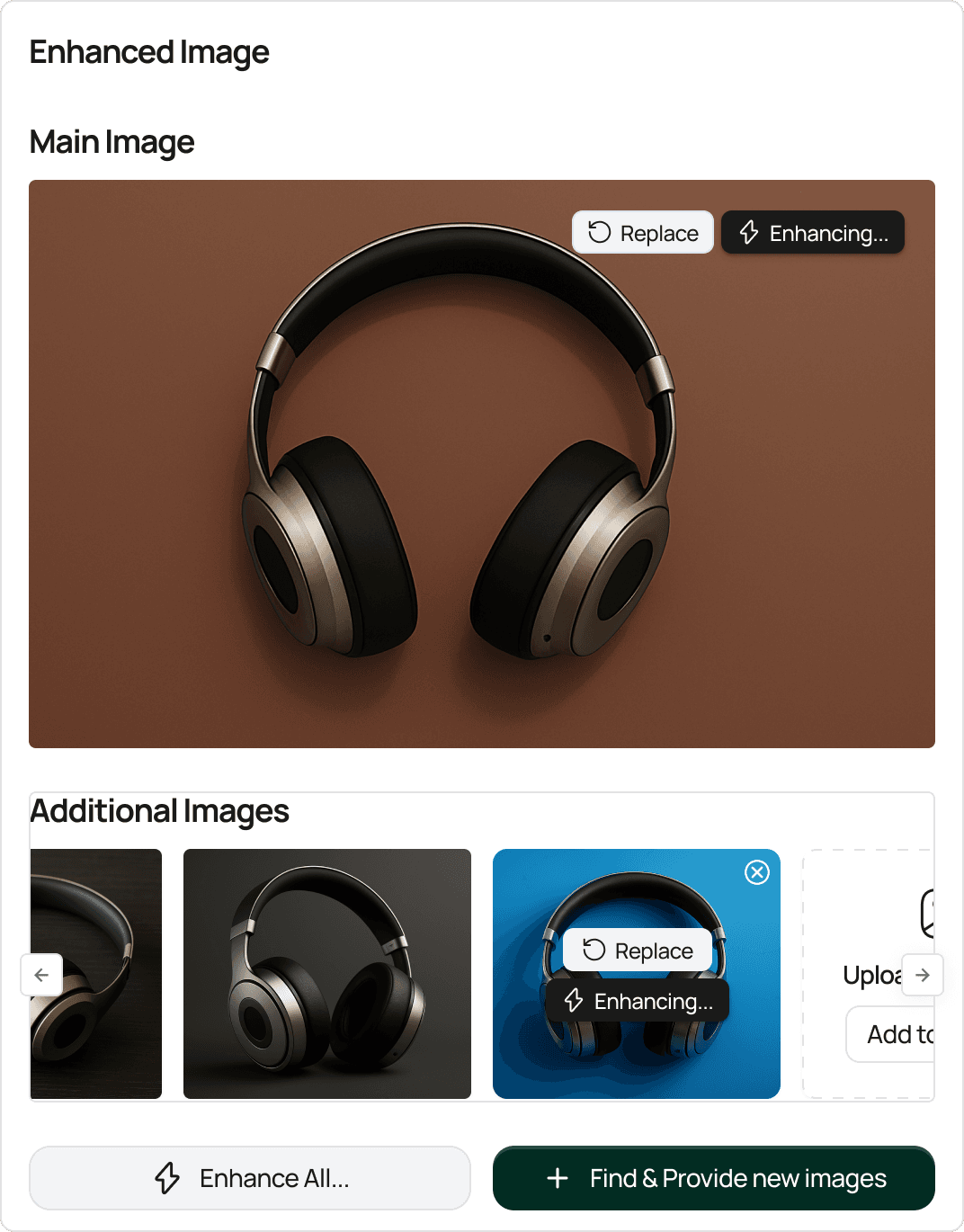
Transform your product listings with AI-powered enhancement. Create compelling, SEO-optimized content that converts visitors into customers.
"MAXMEL Tech" LTD.
167-169 Great Portland Street, 5th Floor
London, W1W 5PF, United Kingdom
Sitemap© 2026 StartDescribe. All rights reserved.